See LEWCA in Action
Watch How LEWCA Works Inside WordPress
Explore the accessibility toolbar, WCAG scanner, AI-powered fixes, and compliance reporting — all running inside a real WordPress dashboard.
Accessibility Toolbar — Traditional Style
The traditional toolbar provides a full-panel interface where visitors can browse all accessibility options organized in clear sections. Text adjustments, contrast modes, reading aids, and disability profiles are all available in one place.
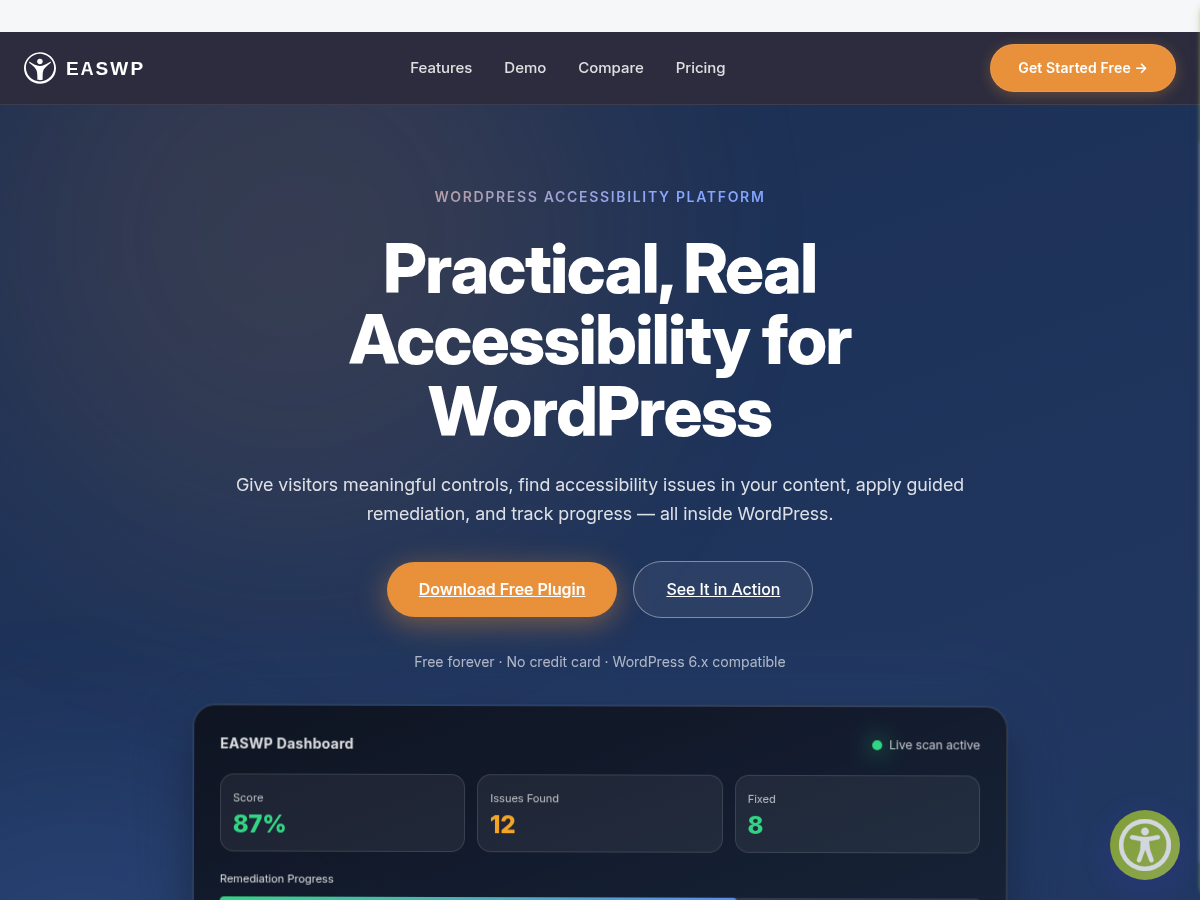
What to look for
- Section organization with clear headers
- One-click disability profiles
- Reading aids including mask and ruler
- Language and translation controls
Accessibility Toolbar — Improved Style
The improved toolbar offers a streamlined, modern interface optimized for quick access. Features are organized into a compact layout that works well on both desktop and mobile.
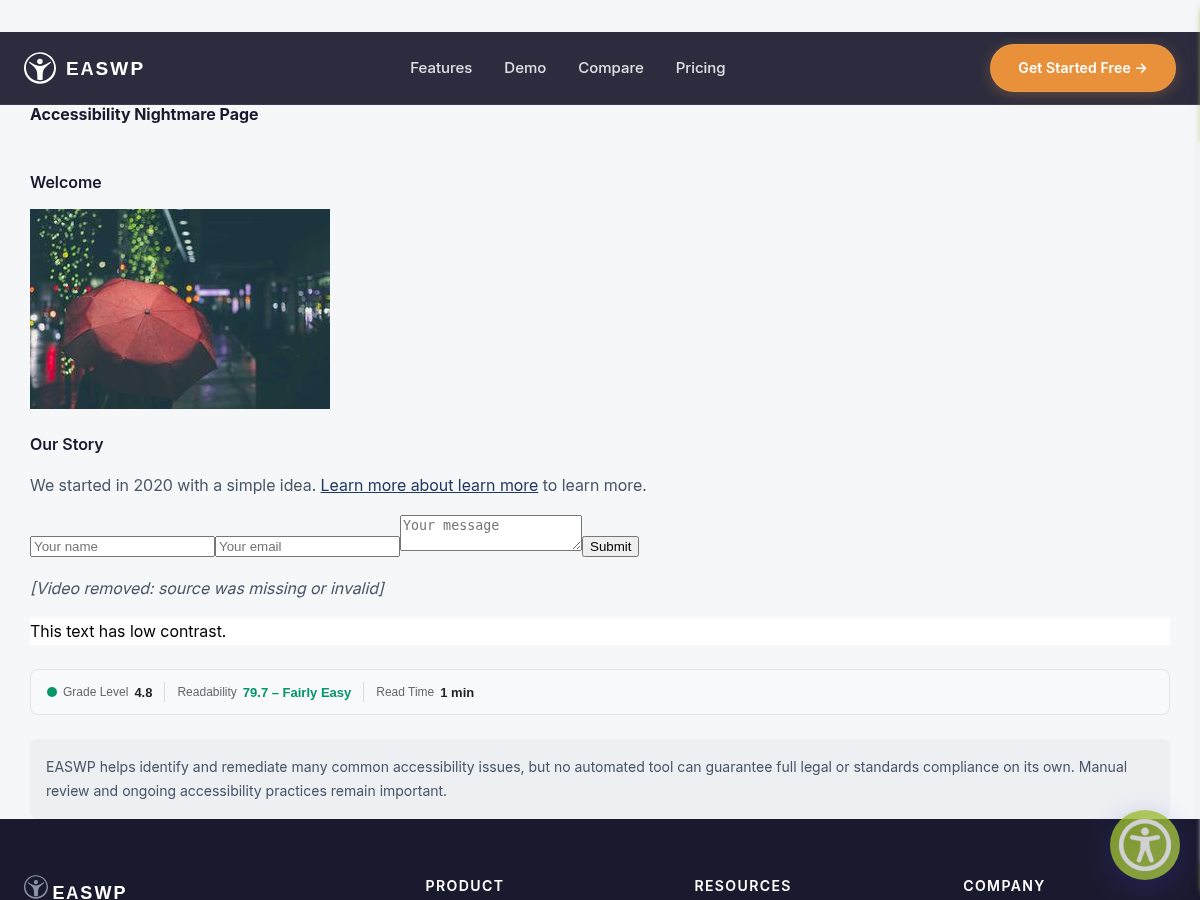
What to look for
- Compact layout with quick-access controls
- Smooth animations and transitions
- Mobile-friendly responsive design
- Same powerful features in a refined interface
Admin Settings & Button Manager
Configure which toolbar controls appear, customize colors, drag-and-drop button ordering, and save layout templates. The button manager gives you full control over the toolbar experience.
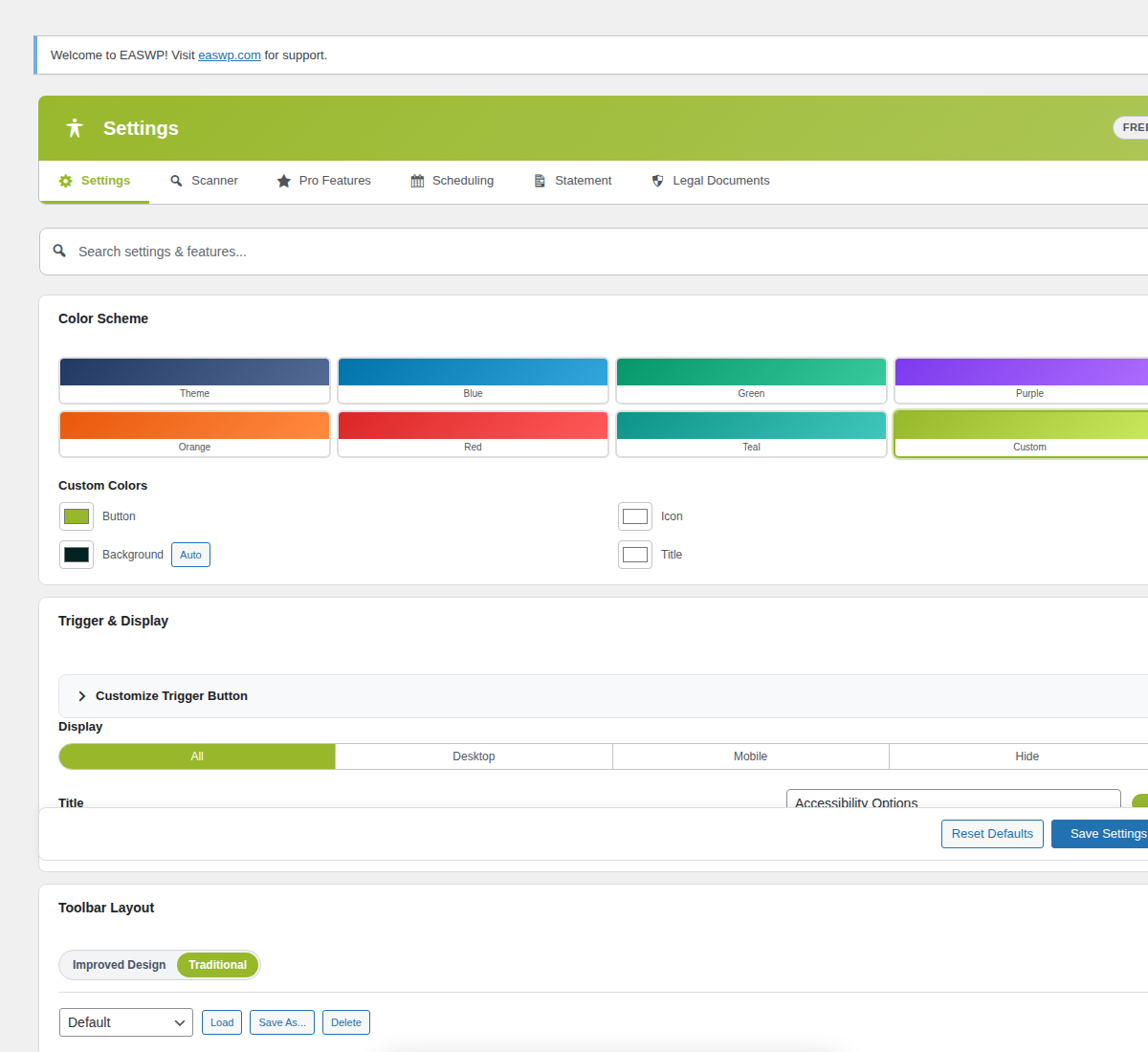
What to look for
- Drag-and-drop button reordering
- Per-button show/hide toggles
- Color customization with live preview
- Layout template presets
WCAG Scan Results Dashboard
After scanning your content, LEWCA presents issues organized by type and severity. Each issue includes a clear explanation and guidance on how to fix it.

What to look for
- Issues grouped by WCAG guideline
- Severity indicators (critical/serious/moderate/minor)
- Clear issue descriptions and fix guidance
- Scan history and progress tracking
AI-Powered Fix Preview Pro Feature
Review AI-suggested code fixes before applying them. See exactly what will change in your content, approve or reject each suggestion, and maintain full control over your site’s code.
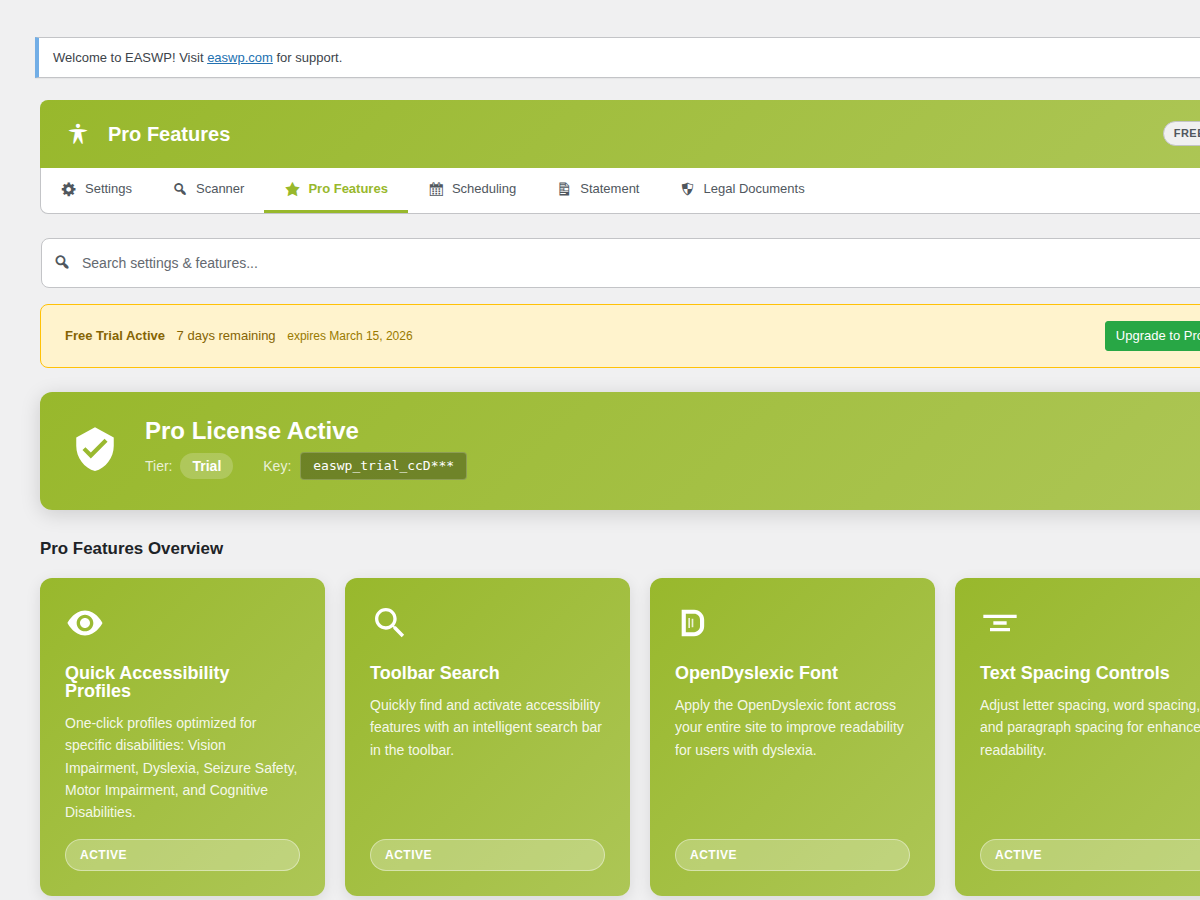
What to look for
- Side-by-side before/after preview
- Clear explanation of each suggested change
- Approve or reject individual fixes
- Undo-friendly approach
Compliance Reporting Pro Feature
Track your accessibility score over time, export PDF or CSV reports for stakeholders, and schedule automatic scans to maintain ongoing compliance monitoring.

What to look for
- Compliance score with trend tracking
- PDF and CSV export options
- Scheduled scan configuration
- Email notification settings
Ready to Try It Yourself?
Install the free plugin and see your site’s accessibility in a new light.